

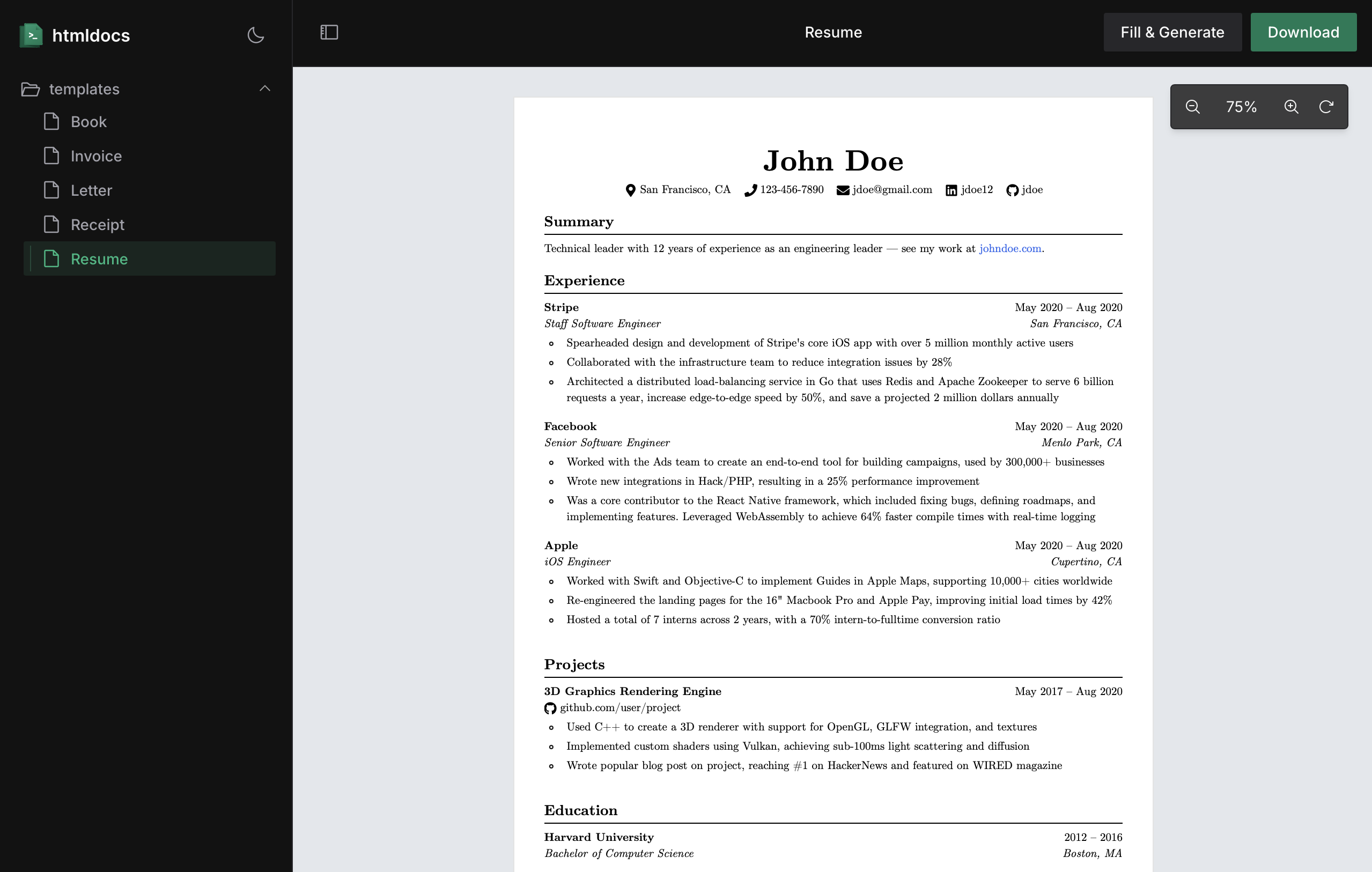
Key Features
- 📌 Support for the latest CSS features like margin boxes and flexbox
- 🧩 Collection of unstyled components for document layout
- 📄 JSX templating system for building dynamic documents
- 🔗 Full TypeScript support for type safety
- ⚡ Dynamic data integration through props and APIs
- 📊 Real-time preview server with hot reloading
Example
To see htmldocs in action, here’s a simple example of a dynamic invoice template:Automatic Installation
Use the CLI tool to quickly set up htmldocs in your project with minimal configuration.
Manual Installation
Integrate htmldocs step-by-step into your existing TypeScript project.
Components
htmldocs comes with a set of standardized components that makes it easy to build documents.Document
The root wrapper component representing a document.
Page
A single page within a document.
Head
Add custom content to the top of your document pages.
Spacer
Add vertical space between document pages.
MarginBox
Position content in the margins of printed pages.
Footer
Add page numbers and custom footers to your documents.